Tarn
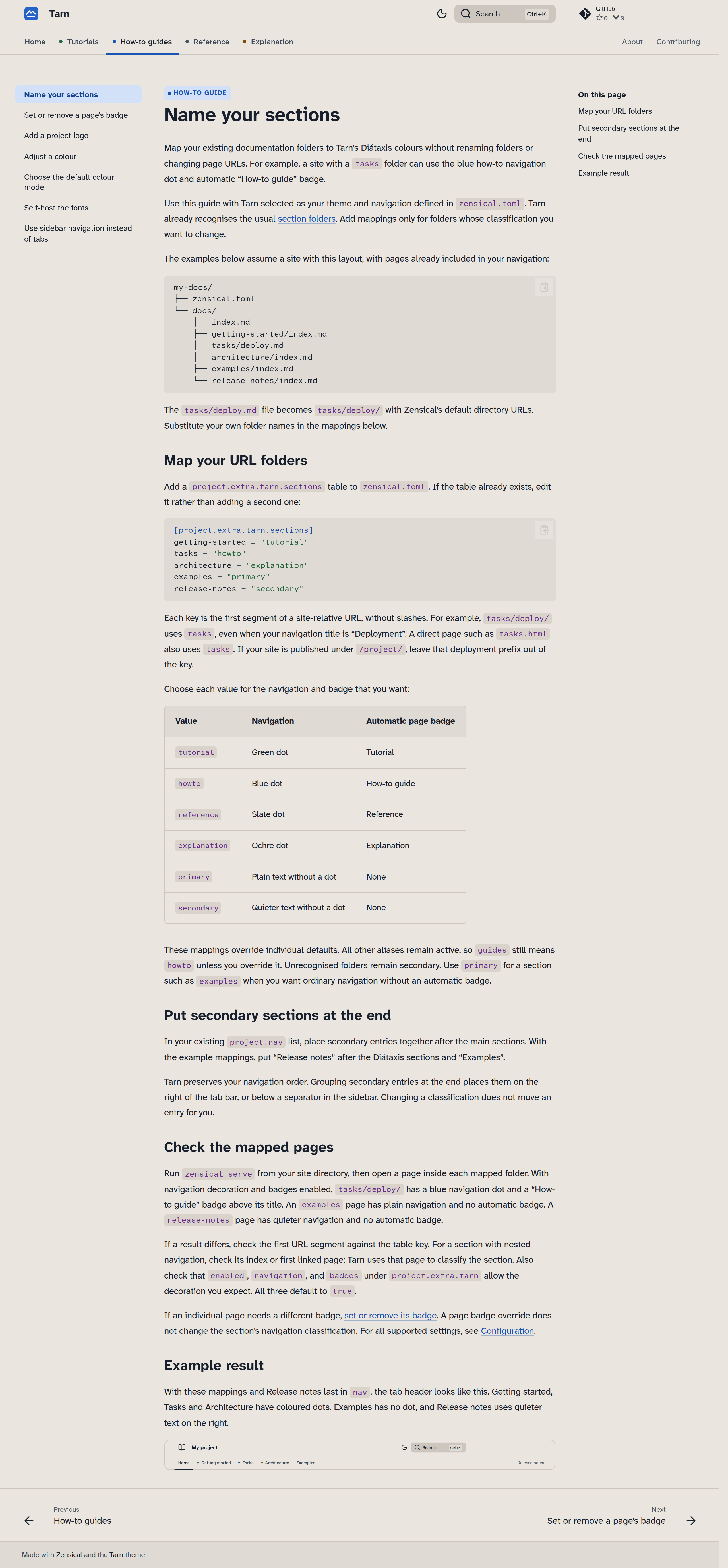
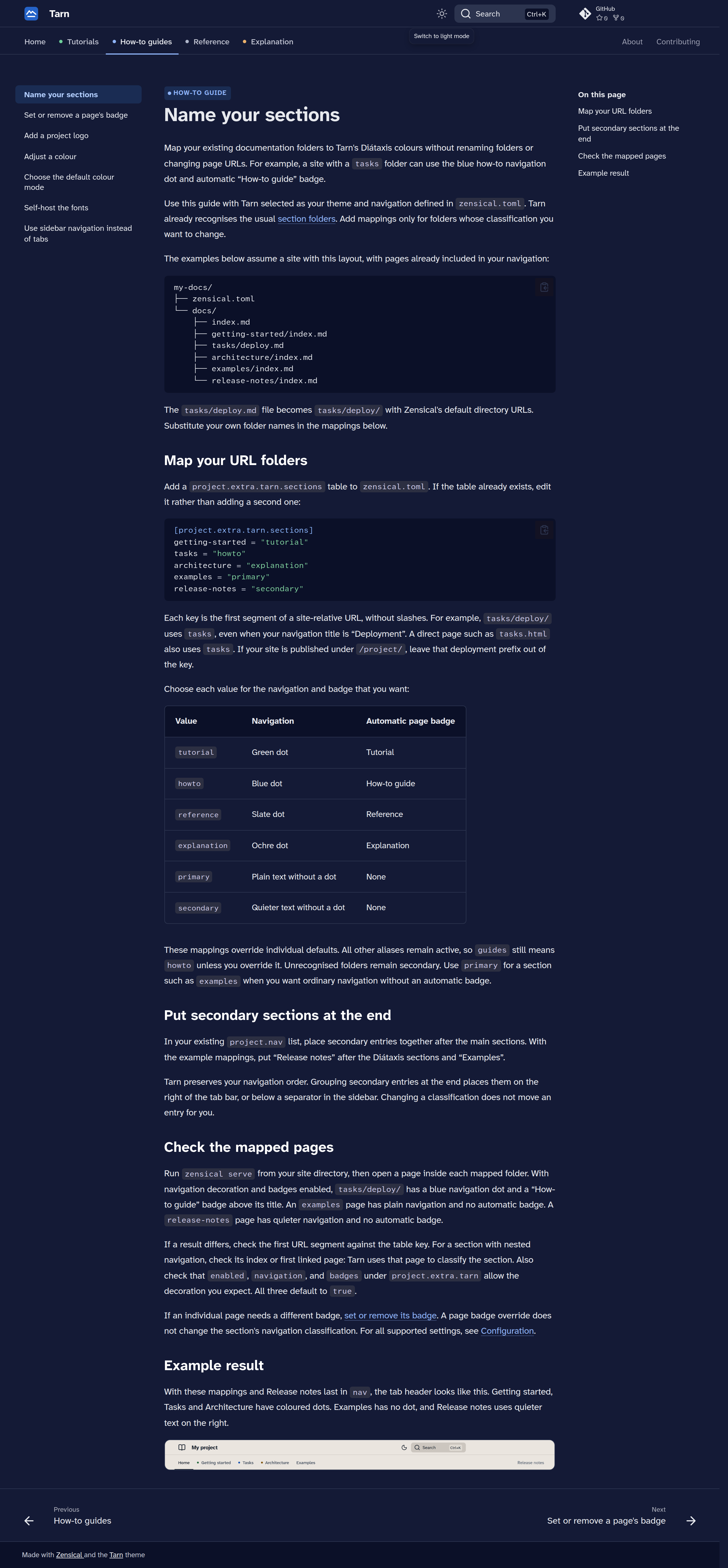
Tarn is a documentation theme for Zensical, with calm colours and legible type. It styles your configured navigation and can mark tutorials, how-to guides, reference and explanation with distinct colours and page badges.
Get started Configuration reference
What you get
- Diátaxis navigation cues. Tarn enables tabs by default and colours recognised documentation sections. Your Zensical configuration determines the sections and their order.
- Optional page badges. Recognised page URLs receive a Tutorial, How-to guide, Reference or Explanation badge by default. You can override individual badges or disable them.
- Light and dark palettes. A warm cloud-grey page by day and starlit indigo by night keep you beside the same mountain lake. The packaged defaults follow the reader's system preference unless the reader saves a choice. This documentation site starts in light mode.
- Legible type. Atkinson Hyperlegible Next and Atkinson Hyperlegible Mono distinguish characters such as
l,1,I,0andO. - Flat styling. A neutral header, thin dividing lines and five admonition tones keep the visual emphasis on the content.
Use your own logo, adjust the colours or change the fonts through Zensical configuration.
Install
With Python 3.11 or newer and an active virtual environment, install Tarn from PyPI:
This also installs the pinned Zensical dependency. The package is
zensical-tarn, and its Zensical theme name is tarn:
The first-site tutorial covers installation and navigation configuration for a working site.